Sites and home sites
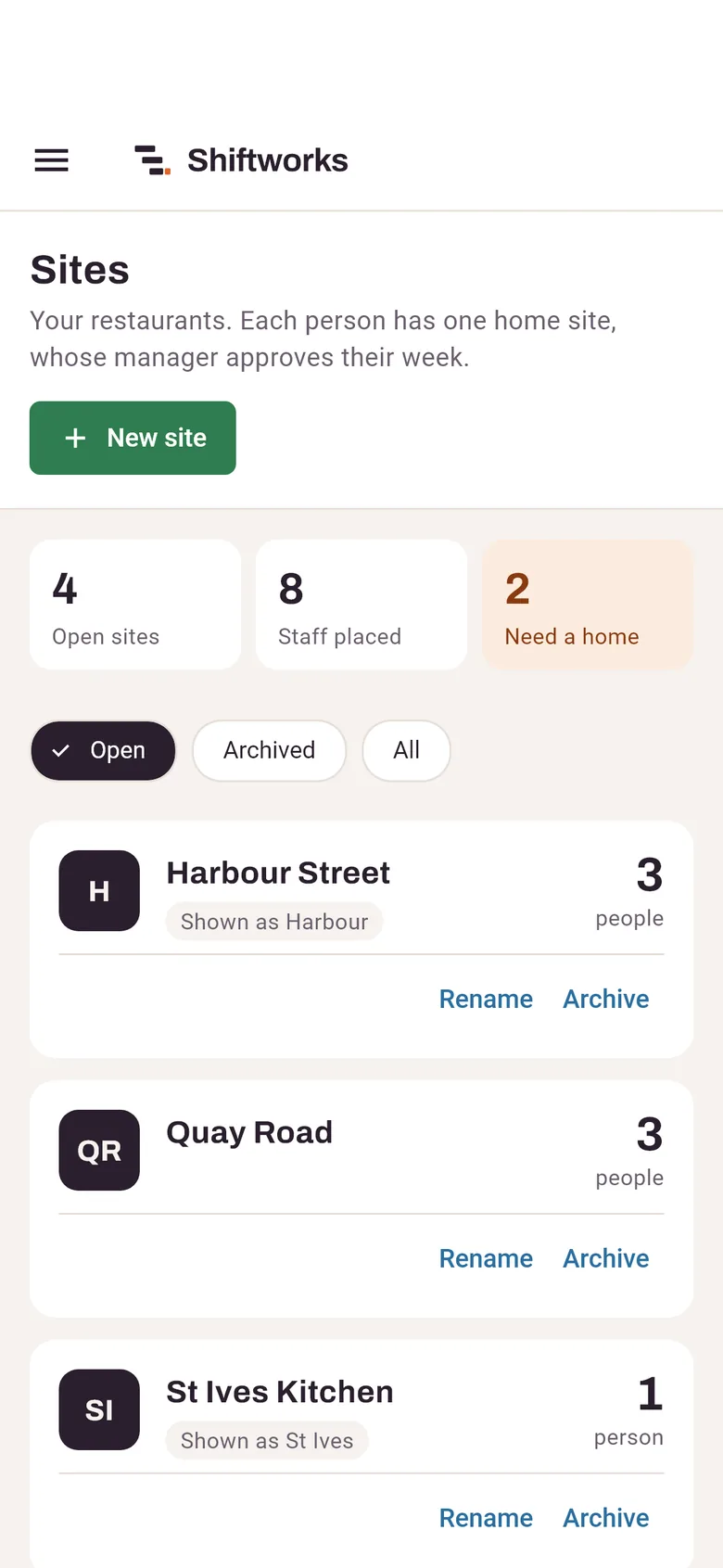
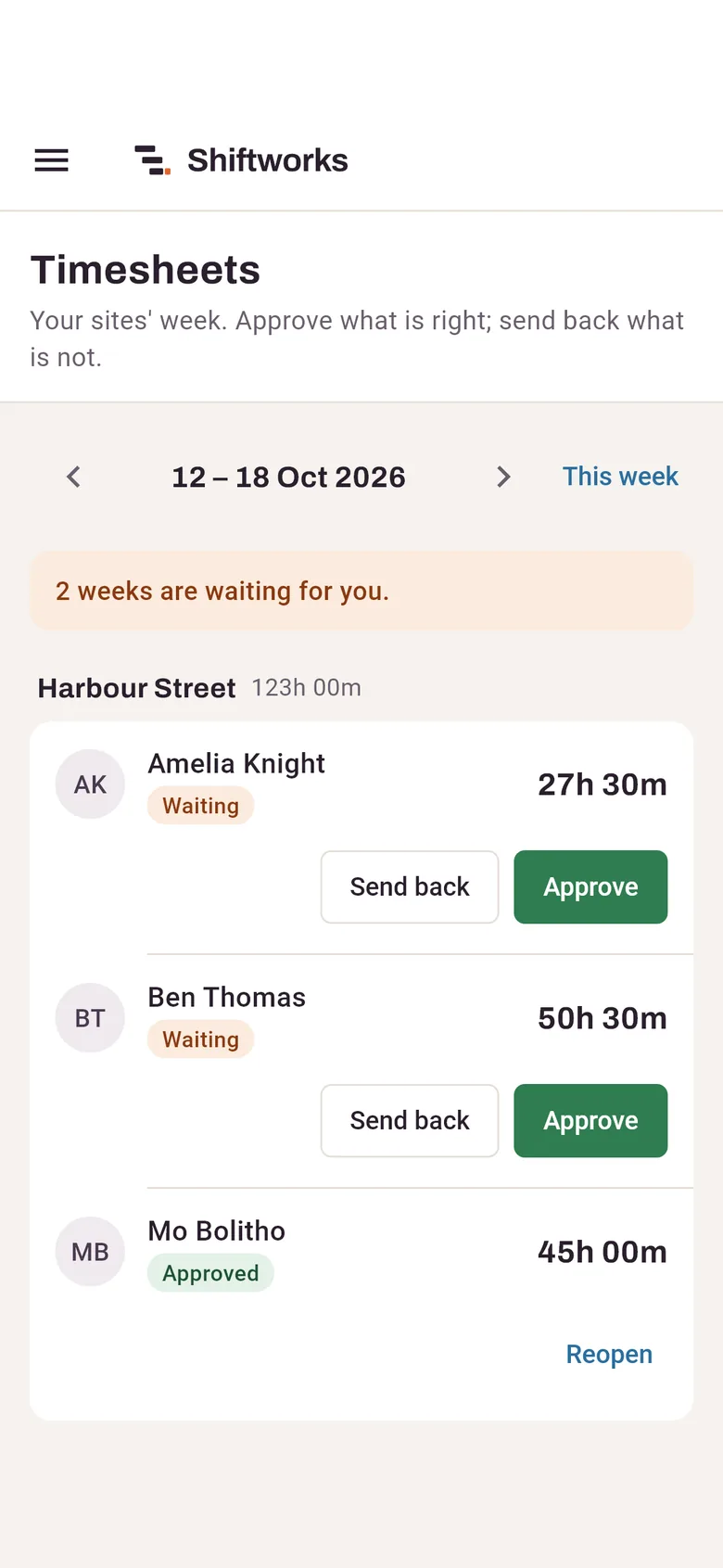
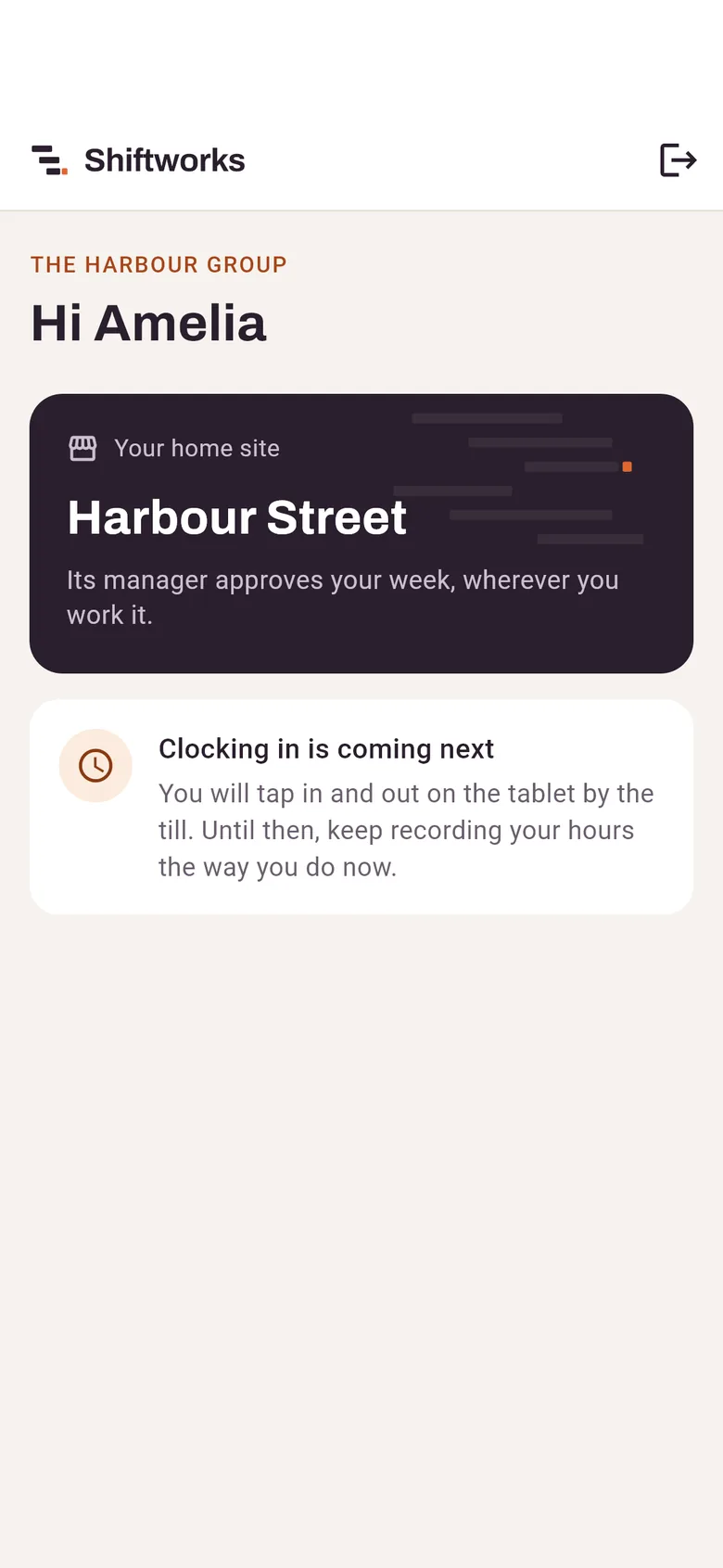
Each restaurant, and the site each person belongs to. That decides whose manager approves their week.
For restaurants, cafes and bars
Shiftworks puts every site on one system. Each manager approves their own team’s week, payroll gets one clean report by site, and month-end stops taking days.
The month-end, before and after
Today somebody totals every person’s hours, overtime and holiday across every site, then types it into a spreadsheet for the accountant. With Shiftworks the hours are approved site by site as the weeks go by, so month-end is a check, not a project.
Each restaurant, and the site each person belongs to. That decides whose manager approves their week.
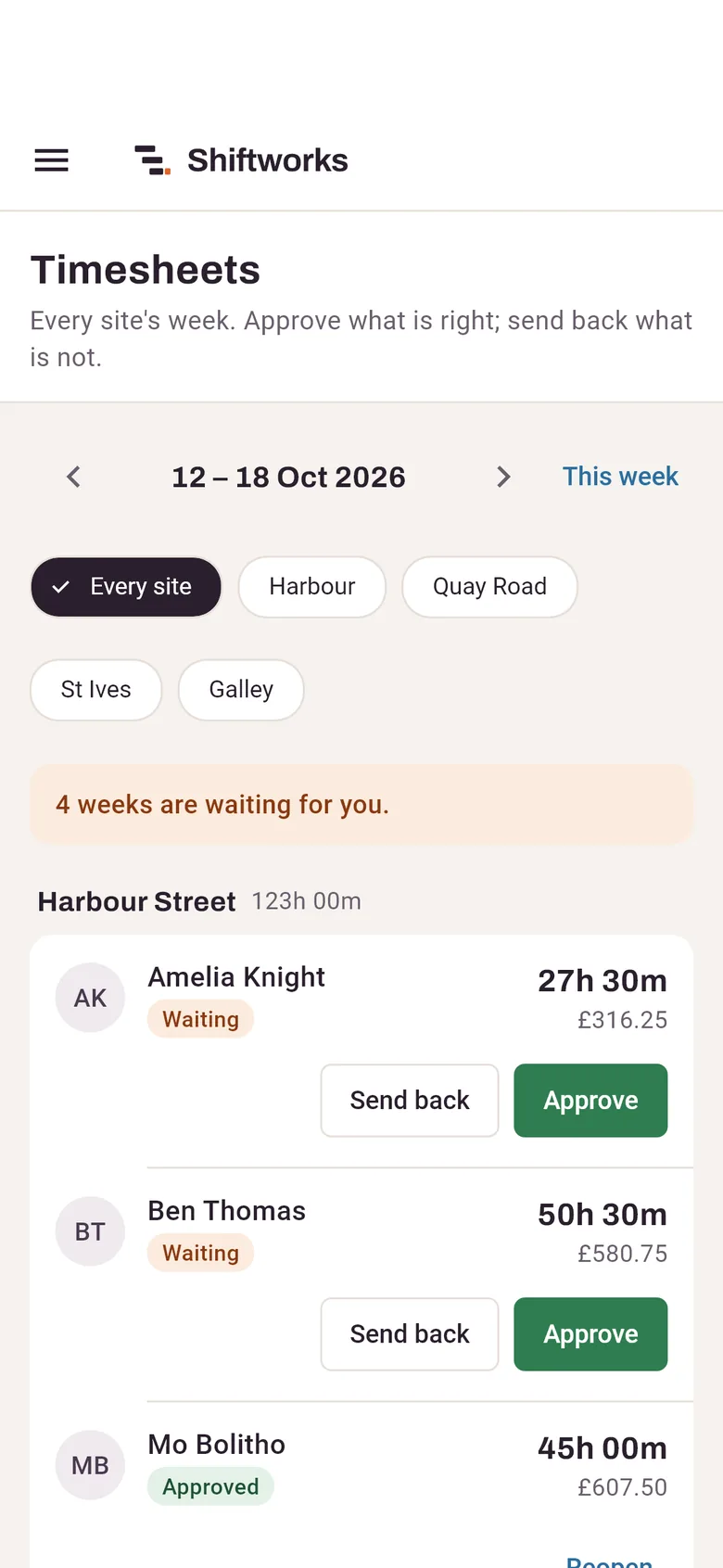
Managers approve their team’s week, or send it back with a reason the person reads on their phone.
How it works
Four steps. The first two take an afternoon, once.
One for each restaurant, with a short name for narrow screens. Close one later and its history stays.
New starters without one are counted and listed first, so nobody is missed.
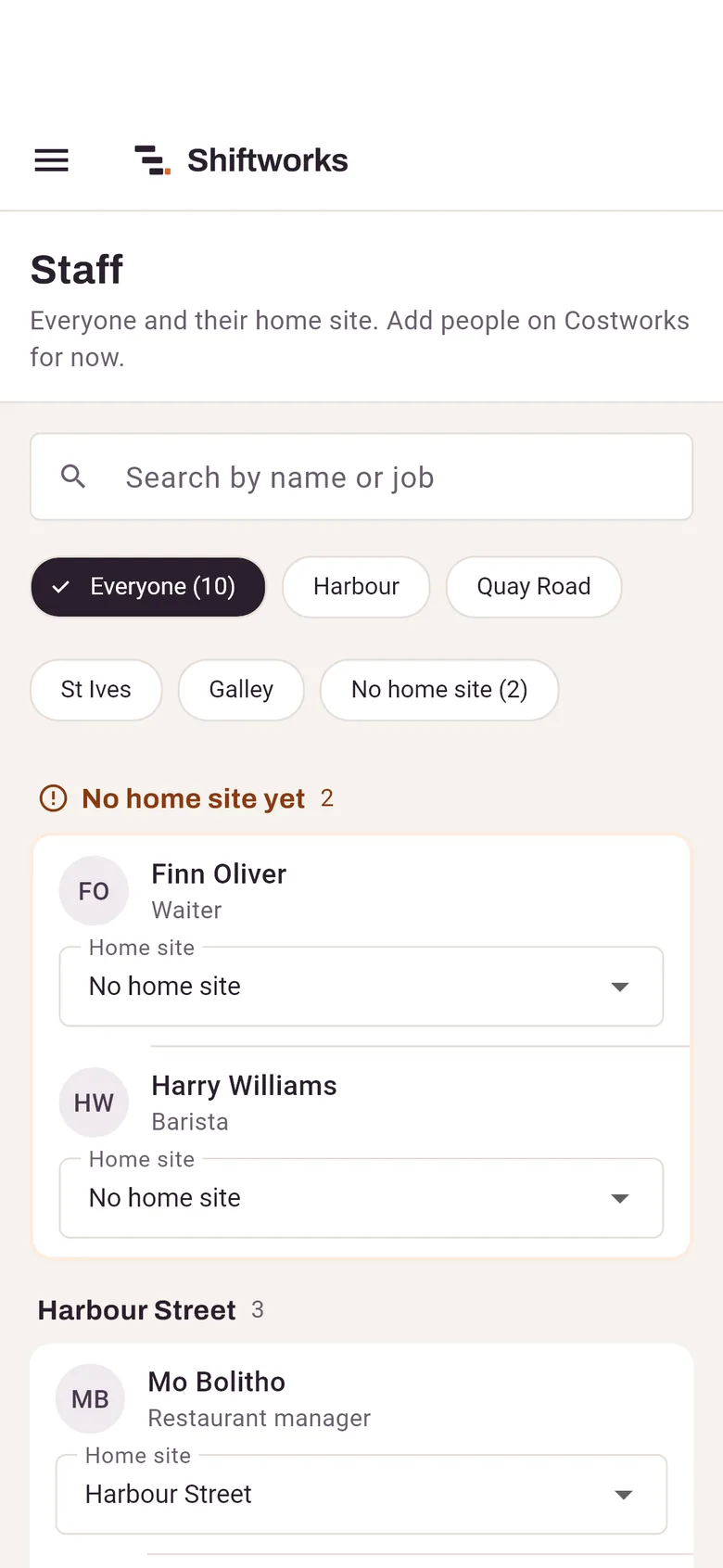
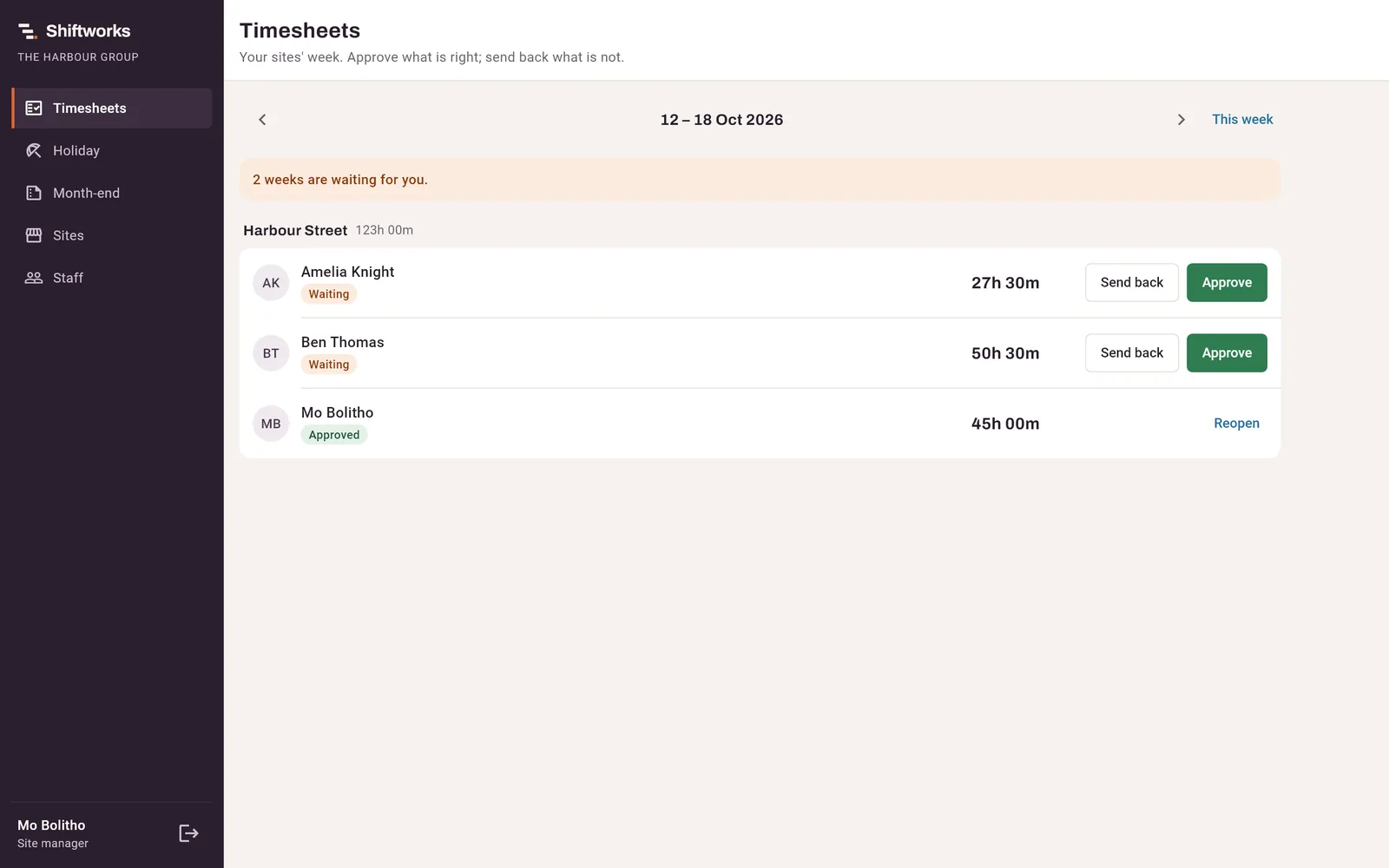
Each manager sees their own team’s hours, never their pay, and approves or sends back each week.
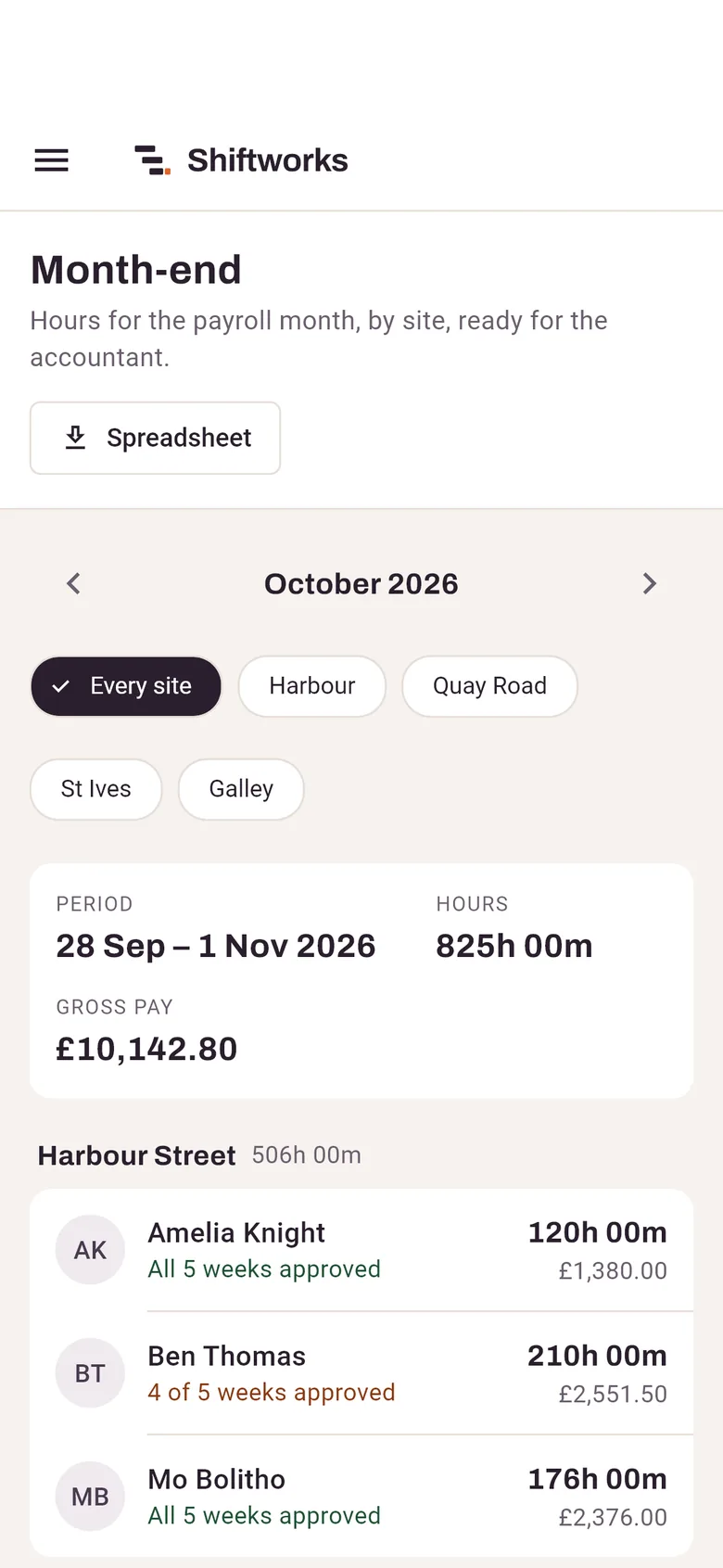
Hours for the payroll month, split by site, with a spreadsheet for the accountant.
In the office
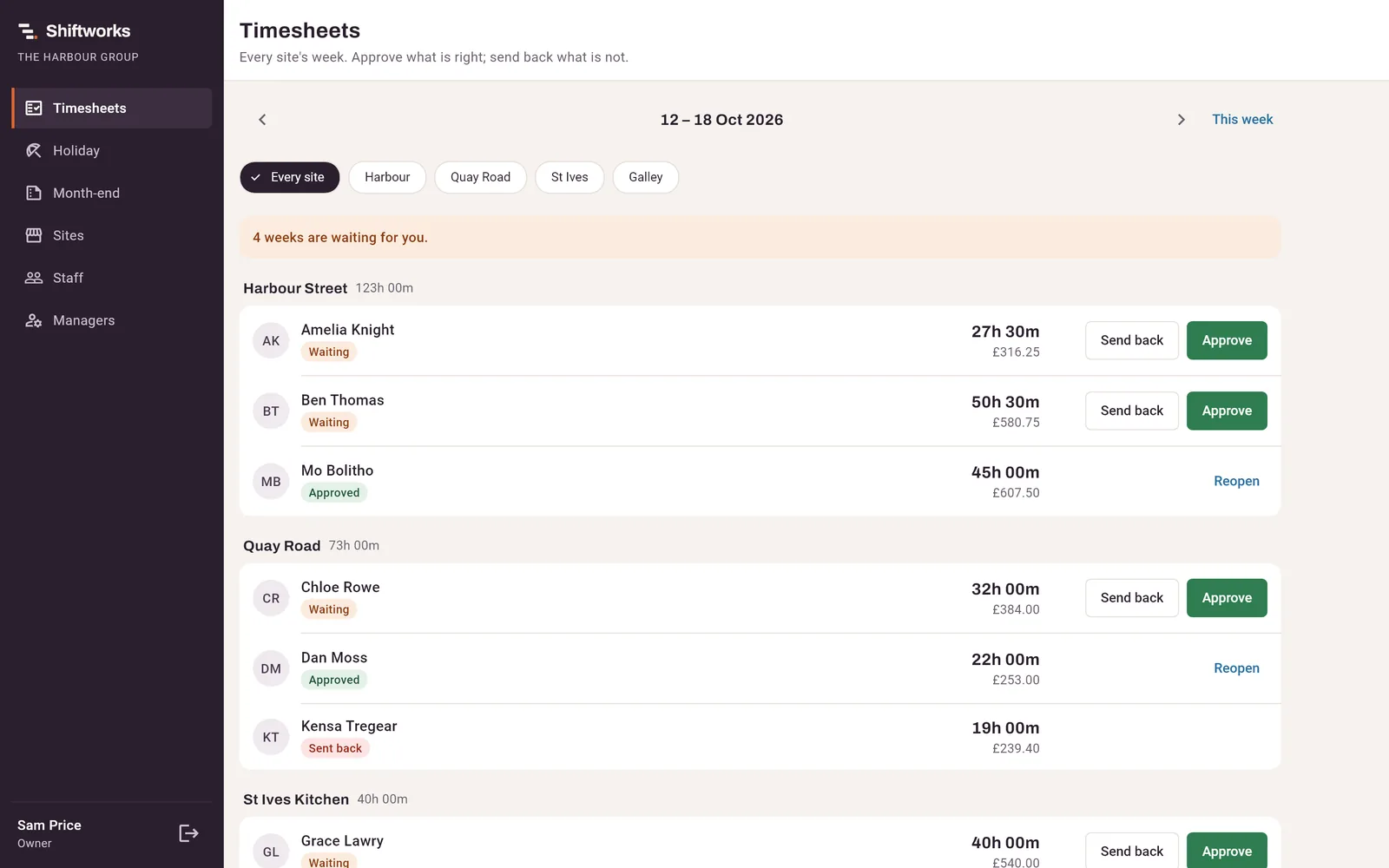
Each person’s week under their own restaurant, waiting weeks first, with Approve beside them. The owner and payroll see every site and the pay; each manager sees their own.
Site managers
Give each manager the sites they look after. They see and approve their own team, and nobody else’s.
Holiday
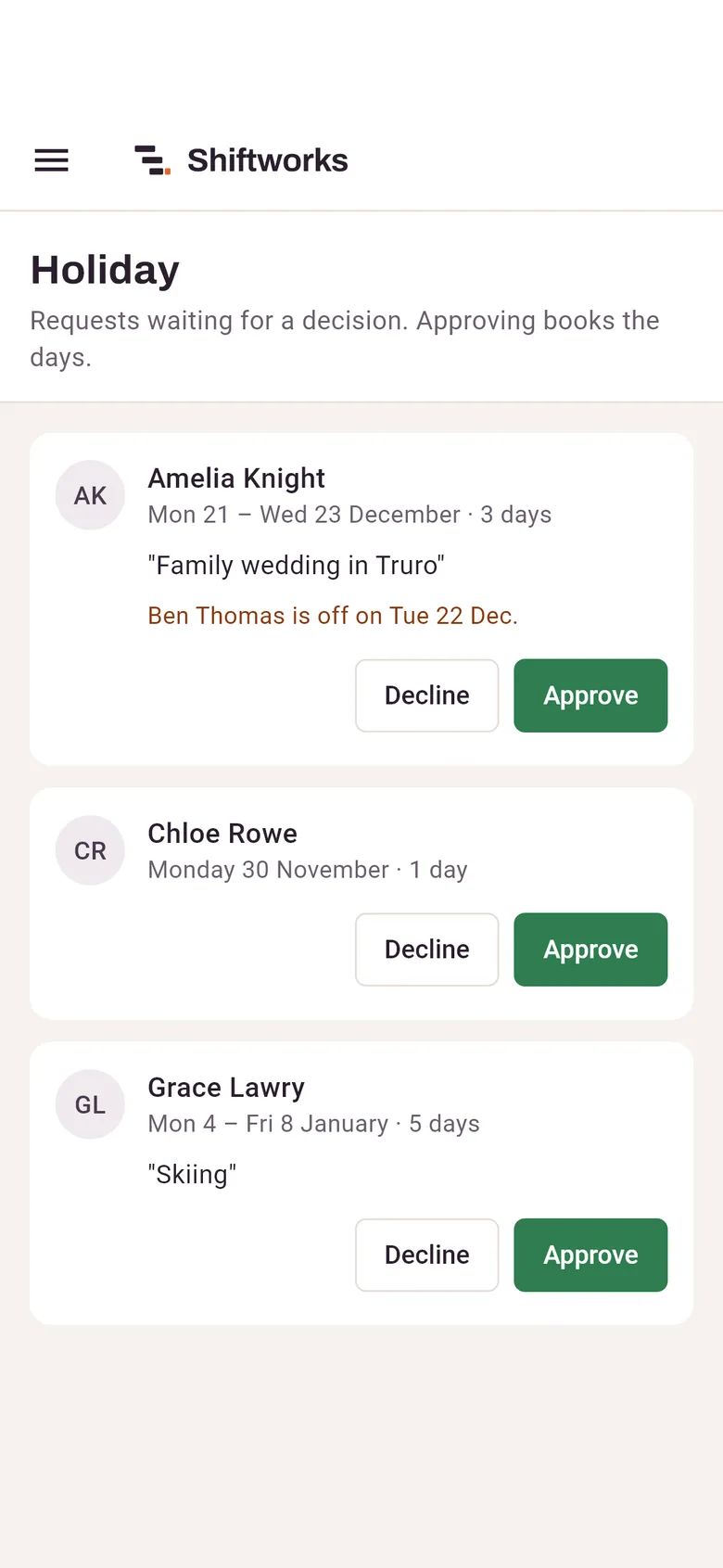
Staff ask, a manager approves, and the days go on the timesheet. The balance comes from what was booked, so it can’t drift.
Month-end
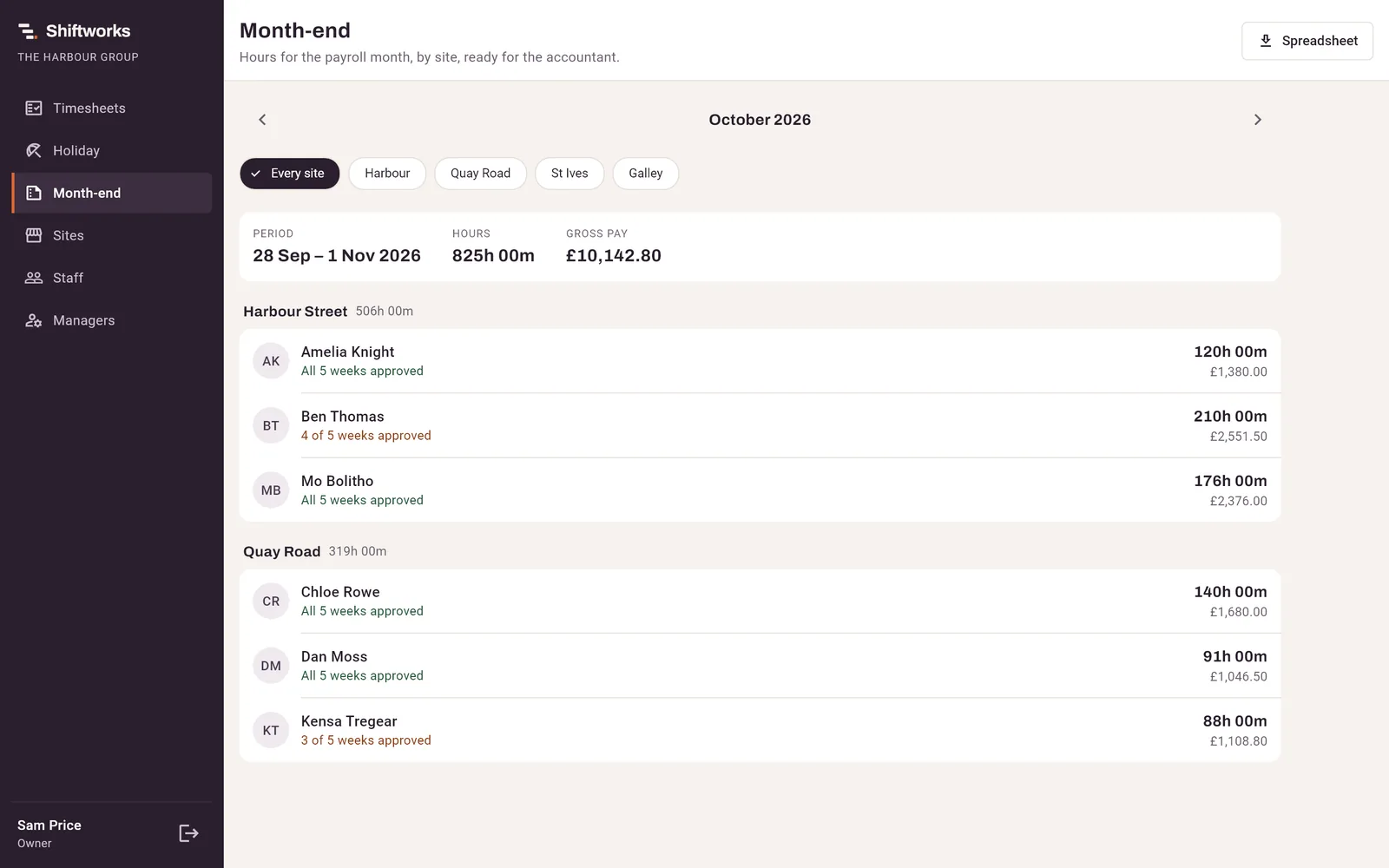
Every person’s hours for the payroll month, by site, with how many of their weeks are approved. Download the spreadsheet and send it on.
Tips
Enter each site’s tips for the month and Shiftworks shares them out by the hours each person worked, or by points for each role. Every share goes on the month-end report beside their hours.
Built, and on the way
Shiftworks is new, and we say plainly which parts are finished.
Under the bonnet
Shiftworks runs on the same engine as Costworks, which already handles hours and gross pay for a working firm. The rules that keep payroll right come with it.
Thresholds and Sunday or bank holiday rates are settings, and dated, so last month’s figures never change.
A new rate starts on its date. Hours before it are always paid at the old rate.
A shift ending at 1am belongs to the night it started, and the October clock change is counted right.
Leavers, closed sites and corrected shifts are kept, so a question years later still has an answer.
Every approval and change records who made it and when.
Your data is yours alone, checked on every request, and tested that way on every build.
Tell us about your sites and how you pay today. We’ll show you Shiftworks with your own restaurants in it.